

Log in to Eveos
Eveos supports three sign-in methods: a one-time code sent by email, an Eveos password, or a Google account.
Before you start
Section titled “Before you start”- Use the email address associated with your Eveos account.
- Keep access to that inbox if you plan to use an email verification code.
Open the sign-in page
Section titled “Open the sign-in page”- Open app.eveos.com.
- Enter the address associated with your account in “Email address”.
- Select “Next”.
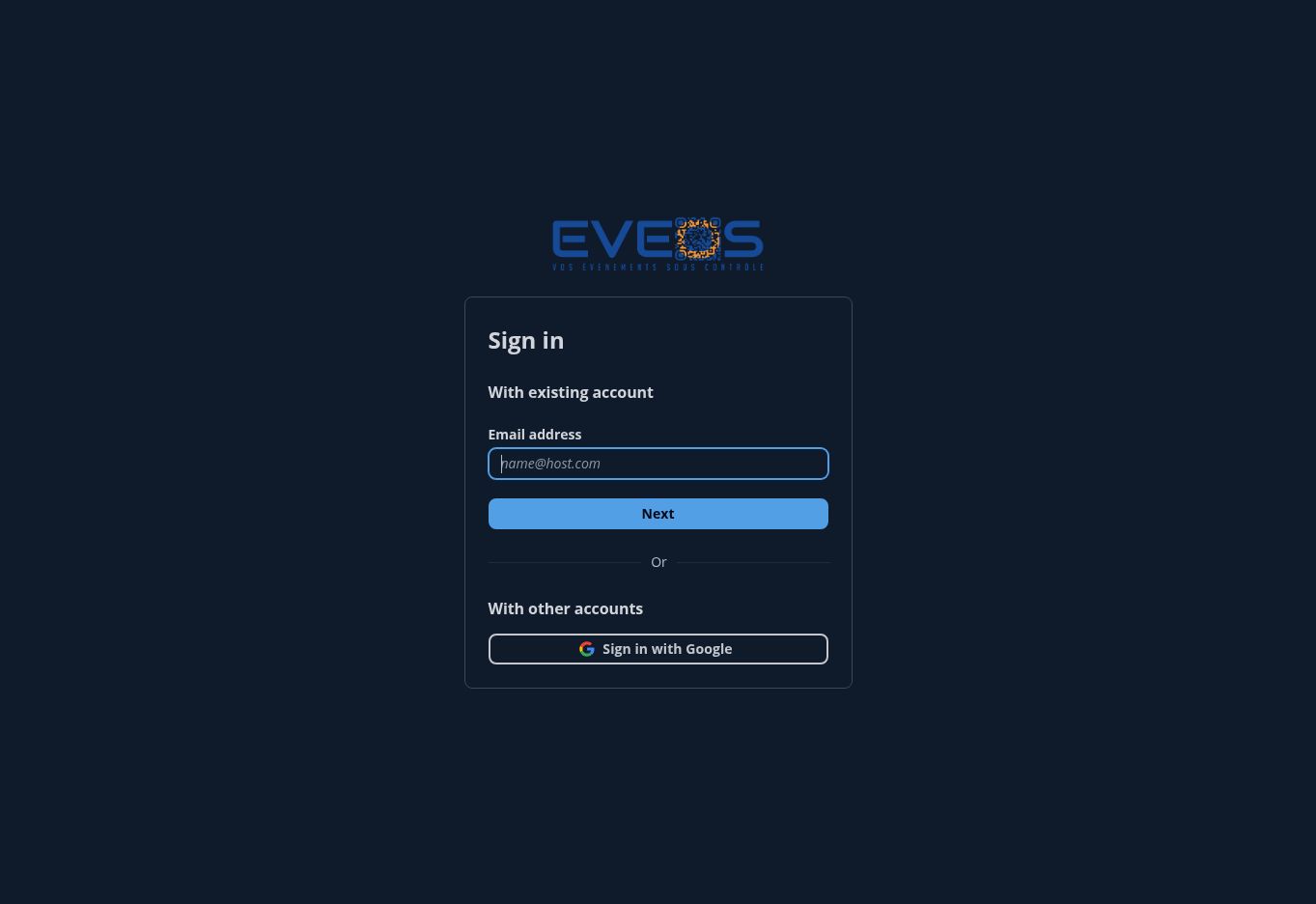
Eveos sign-in screen in English.
Choose a sign-in method
Section titled “Choose a sign-in method”- After selecting “Next”, check the inbox associated with your account.
- Enter the code sent to your email address.
- Continue to complete authentication.
- From the email verification screen, open the alternative sign-in methods.
- Choose password authentication and continue.
- Enter your password.
- Use the password visibility option if you want to check the characters entered.
- Continue to complete authentication.
If you no longer know your password, use the password-recovery link displayed on the password screen.
- Open the Eveos sign-in page.
- Select “Sign in with Google”.
- Complete authentication with the Google account associated with Eveos.
Choose an organizer
Section titled “Choose an organizer”After authentication, Eveos displays the organizations available to your account. Select an organizer to open its workspace.
To find an organizer or create one, see Choose or create an organizer.
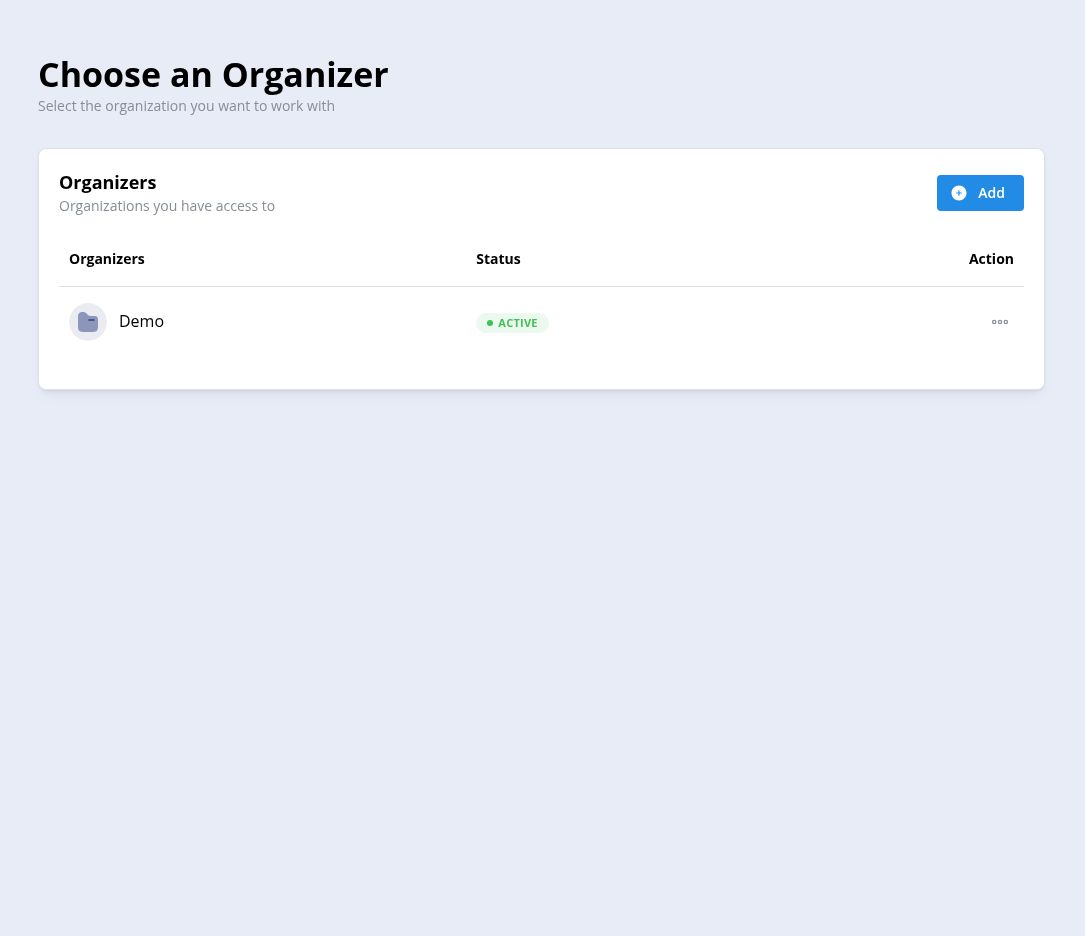
Organizer selection screen after signing in.
Troubleshooting
Section titled “Troubleshooting”The verification code has expired
Section titled “The verification code has expired”Return to the sign-in screen, enter your email address again, and restart the process.
The email address is incorrect
Section titled “The email address is incorrect”Go back and enter the email address associated with the account you want to use.
You forgot your password
Section titled “You forgot your password”Open the password sign-in screen and use the password-recovery link.
Your organization is not visible
Section titled “Your organization is not visible”Make sure you signed in with the email address that was granted access to the organization.