
Manage an event
View events
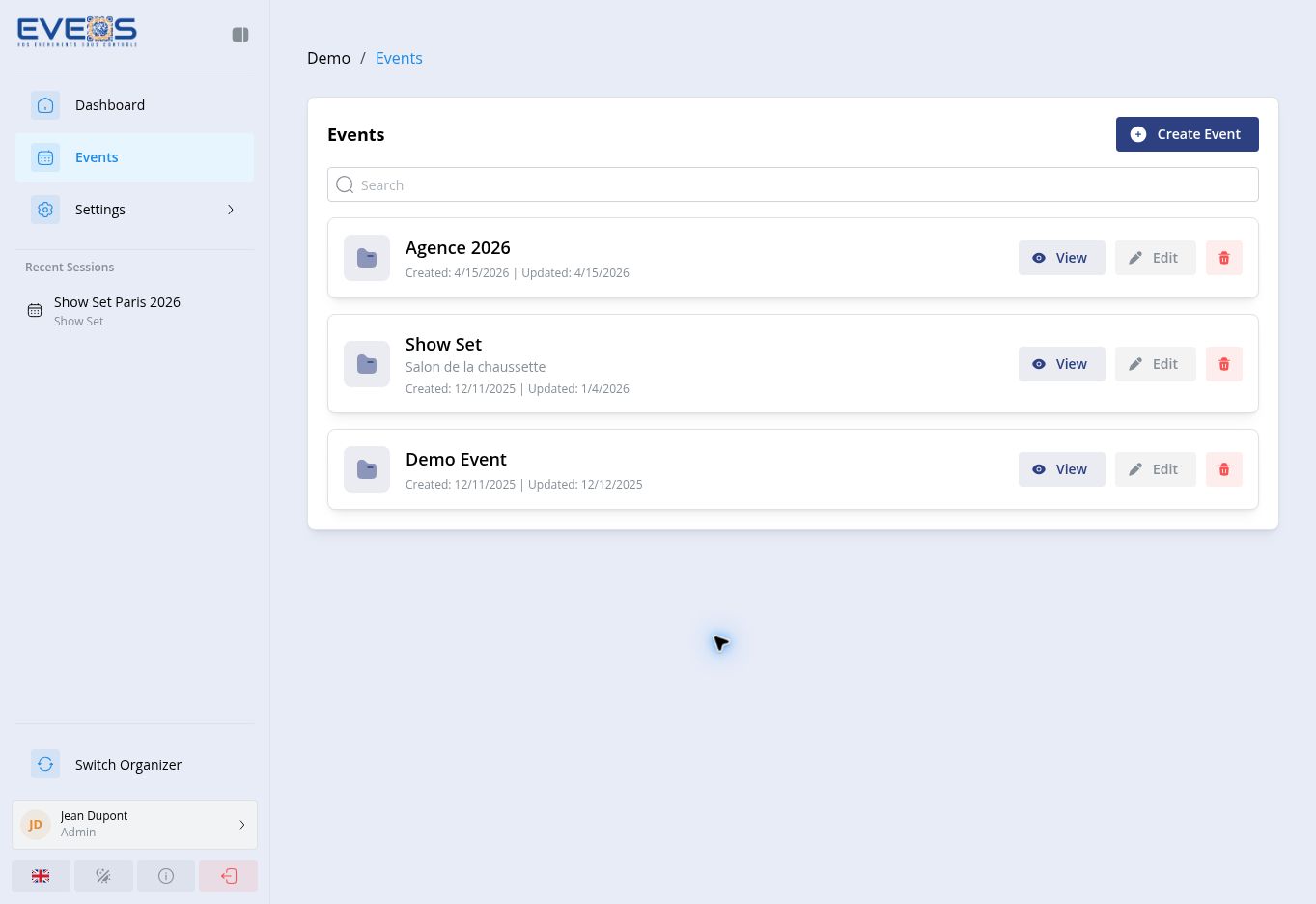
Section titled “View events”- Open the relevant organizer.
- In the sidebar, select “Events”.
- Use “Search” to filter the list.
- Select the event name or “View”.
Create an event
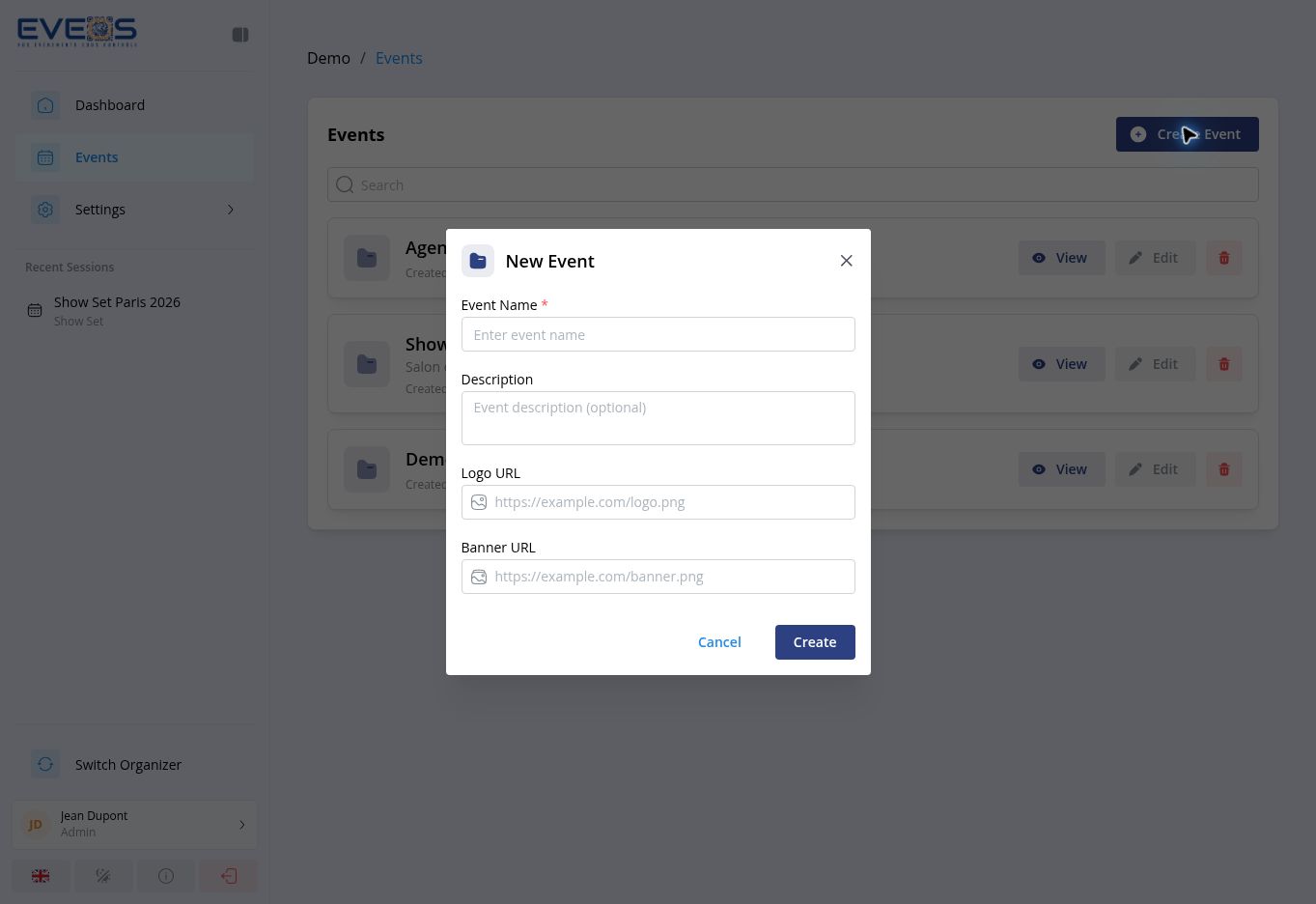
Section titled “Create an event”- On “Events”, select “Create Event”.
- Enter the “Event Name”.
- Add a description, logo URL, or banner URL if you want to use this information.
- Select “Create”.
Edit an event
Section titled “Edit an event”You can open the edit form from either location:
- “Edit” on the event row;
- “Edit” at the top of the event page.
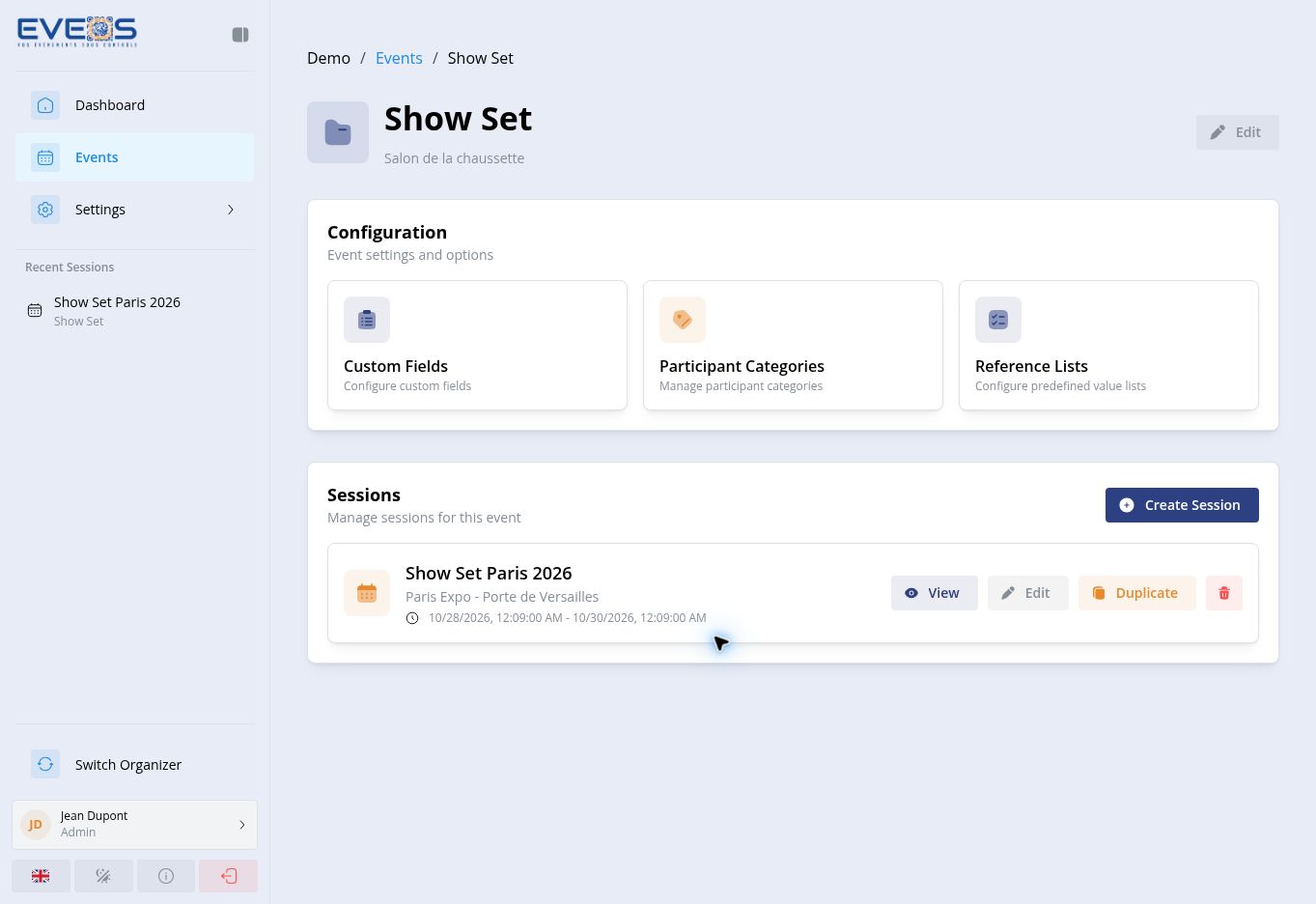
Configure an event
Section titled “Configure an event”The “Configuration” section on the event page provides three entries:
- “Custom Fields”;
- “Participant Categories”;
- “Reference Lists”.
The “Sessions” section below the configuration lets you create a session or use “View”, “Edit”, and “Duplicate” for an existing session.